
Adobe Photoshop is a super power graphics editing program developed and published by Adobe Systems. The very first version of Photoshop (1.0) was released in 1990. Since then, the photo editing revolution started. Now it has become so user-friendly that any newbie can learn how to use it.
Photoshop can also be used to create text effects that make every word epic. If you surf the web, you’ll find hundreds of Photoshop text effects tutorials that will help you in creating stunning text effects. But most of them are hard and time taking. Considering this, Photoshop did us another favor; it built a preset that will make adding styles possible within seconds.
With the help of Photoshop styles you can add awesome text effects with just one click. Plus you can save your own text effects so that you can use in your future designs or place it on the web for others. We all know that good text effects are hard to achieve and consume a lot of our time when designing one from scratch. But with Photoshop styles, what you need to do is just a click and done Job!
So today’s post is about 10 killer text styles in Photoshop by using them you can create amazing text effects. In case you do not know how to install Photoshop text style, follow this post.
[ad1]
How to add Photoshop Styles?
Unzip the respecting zip files and you will see .ASL format files. They are different ways to add them but I’ll tell you two simplest ways to do this.
No.1:
Just drag the .Asl file to the styles palette ( you can open the styles palette by going here Photoshop – Window -Styles)
No.2:
Click on tab group in styles palette and choose load styles, locate the .Asl file and done!
How to Apply Styles to Text ?
Select the text layer or text and click on style.
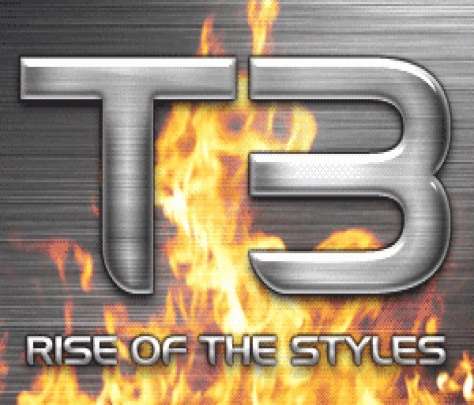
1.Titanium Styles
2. Glass Styles

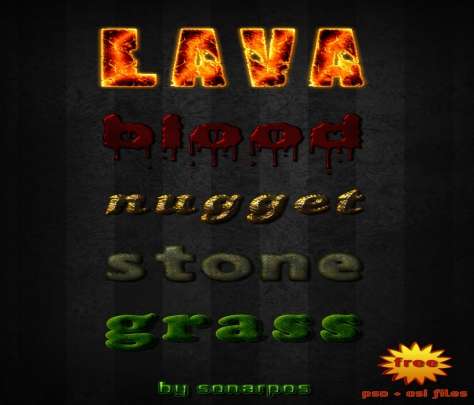
3. Concentration Styles
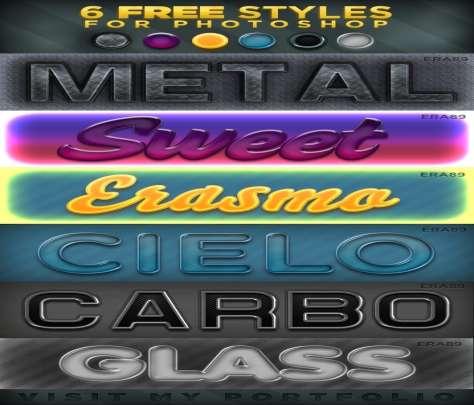
4. 6 Free Photoshop Styles
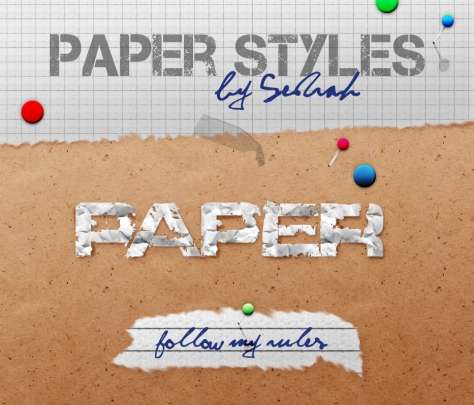
5. Paper Styles
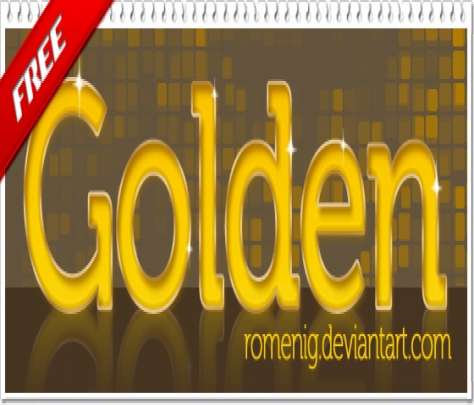
6. Golden Styles
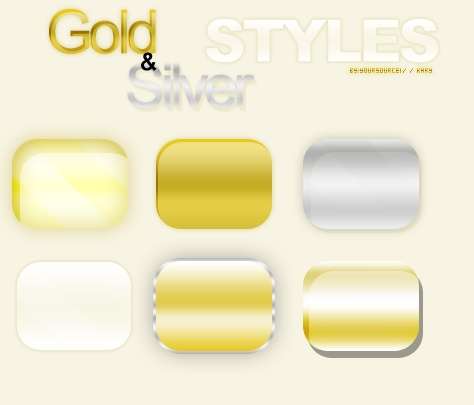
7. Gold and Silver Styles
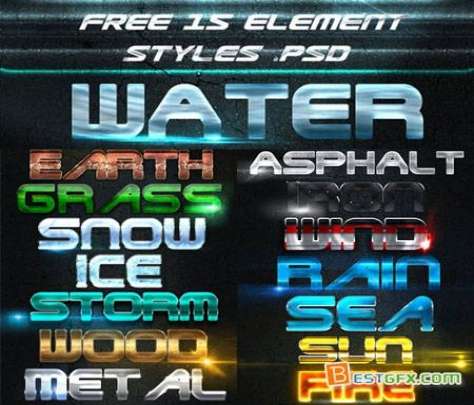
8. Element Styles
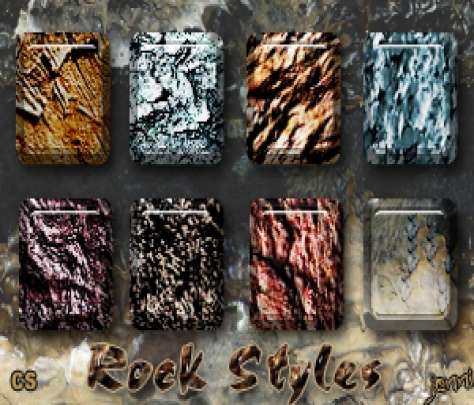
9. Rock Styles
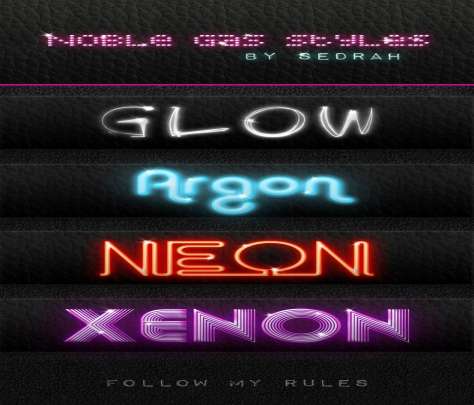
10. Noble Gas Styles
Your Turn:
- Tell us which one you like the most?
- Do you still got any question, if so ask it!
[ad]

28 replies on “10 Killer Text Styles for Photoshop”
Okay, so the rock styles look interesting. have to think of a use for them.
My Favorite Is The Chromic One :)
The post is awesome but what’s this ?
In your author bio there’s no Twitter URL for your profile Bilal, I mean there is only Twitter.com instead of (=/ahmadbilal or something else)
What to do?
Wow i like those fonts wanna try each to make logos.
Thanks Ahmad
The paper style effects are really good. I’m just peeping into it :P
I would say 1st, 2nd and the 7th one are good fonts.
may be all are good for others but let me be frank for saying that i didn;t like the other fonts .
however i mostly use Batman Forever Alternate font .
they are just awesome texts….it will surely make my pics more beautiful…
You should try. These are text styles.
yes they will.
Beautiful collection of fonts.
Some styles are really cool :),I am going to try them out this very moment.thanks for the share
Yeah you are right ,Photoshop is most modern editing software
I hope you liked it.
These are not fonts Abdullah you need to read the article again :)
LOL use it :)
:) I loved that one :)
Awesomeness ! really amazing , good collection of text styles. Thanks for the share
PS is the best software for designing I have seen all and thank you for the files for download I like to make them by my self so that I can become more perfect in PS and I love with T3.
Which one you liked?
Which one you liked the most.
I will ask bilal to update his twitter filed in the admin panel.
They are all good ones.
You are right.
lol.
I thought these are fonts :P
however 1st, 2nd and 7th styles are good.
Good :) I knew that someone will think of these as Fonts.
Thanks Bro They Are Just Awesome the Best Text Effects Ever Seen….
Its good to find them useful.
really cool interesting post.Thanks mate